Transcript Buddy: A Zoom And Google Meet Transcription Tool
The Ultimate Zoom & Google Meet Transcription Chrome Extension is here! Transcript Buddy offers real-time, exact transcriptions with seamless integration and unlimited free usage.







Why Transcript Buddy is Your Ultimate Meeting Companion?
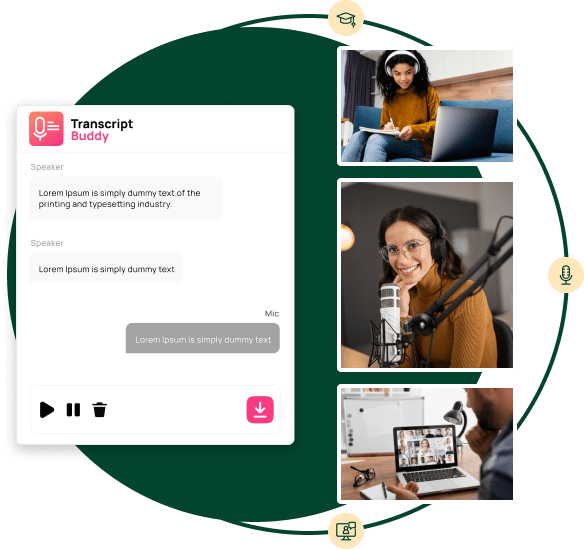
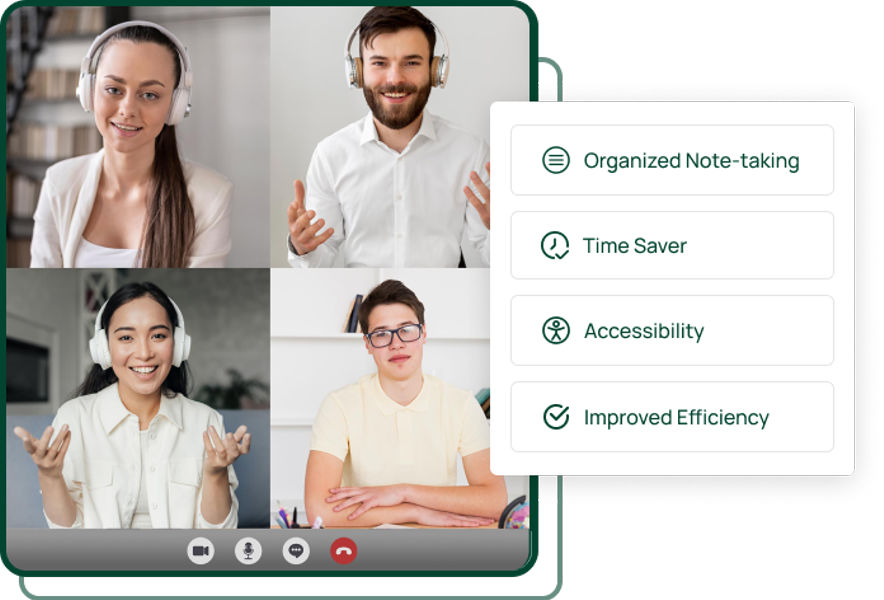
Transcript Buddy is the new product, developed by iCommuneTech, which will make you a meeting star in no time. It is an AI tool that listens to your meeting and writes and translates your words into text immediately. No need to think that you will lose the details and, in addition, it also offers the option of downloading the transcription to MS Word which is compatible with the Word application for editing and then you can easily share it through your email.
- Students: For recording and reviewing lectures or group discussions.
- Business professionals: For keeping accurate records of meetings and conferences.
- Journalists: For capturing interviews and press briefings verbatim.
- Researchers: To transcribe and analyze interviews or focus group discussions.
- Podcasters: For converting speech to text for show notes or scripts.
- Legal professionals: To document client conversations or court hearings.
How to Use Transcript Buddy?
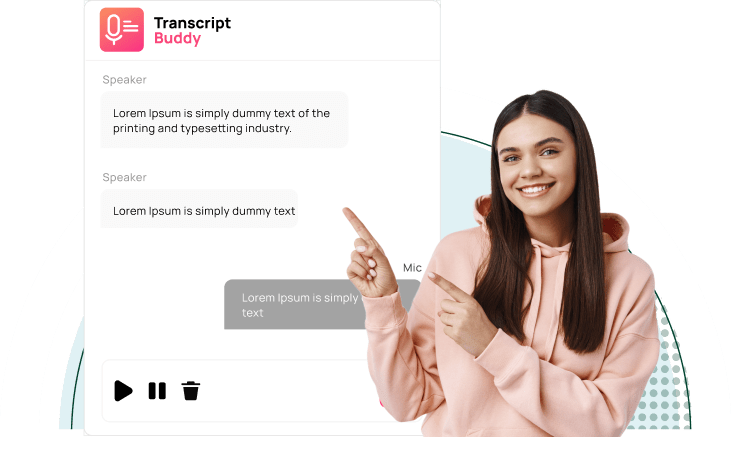
How to Use Transcript Buddy?
Go to the Google Chrome Web Store and add the Transcript Buddy extension to your browser.
After installation, click on the Transcript Buddy icon in your Chrome toolbar to open the extension.
Select the Chrome tab which is being used for your Zoom or Google Meet session. This will automatically connect the extension to your meeting.
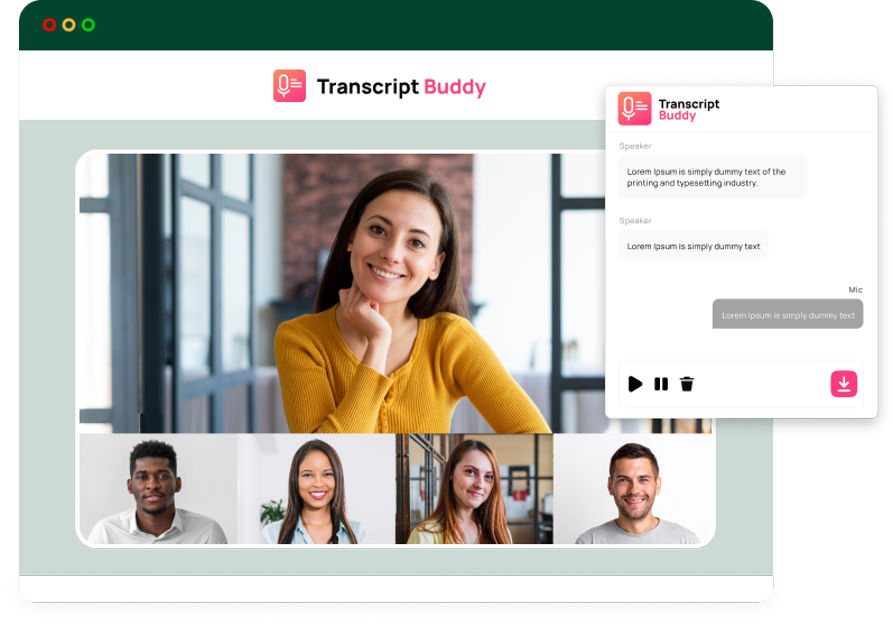
It starts transcribing automatically once the meeting starts. Record and transcribe Zoom/Google Meets to text easily.
A real-time, on-screen text transcription experience is a must-have for spotting significant points.
When the meeting is over, you can save the file as a Word document and review, share or edit it as needed.


.png)