
Truck Driver Recruiting Software Development
How a US Truck Driver Recruiting Platform Cut Recruiter Manual Work by 30–40%
Trucking recruiters were losing CDL drivers to paperwork, slow replies, and expiring documents nobody caught. We built CDLApps a recruiting platform with mobile applications, automated DQ files, DocuSign employment verification, and SMS follow-ups, so recruiters spend their time hiring instead of chasing forms.
- Less recruiter manual work
- 30–40%
- More completed applications
- 15–20%
- Fewer compliance errors
- 20–35%
Client Overview
Client Story
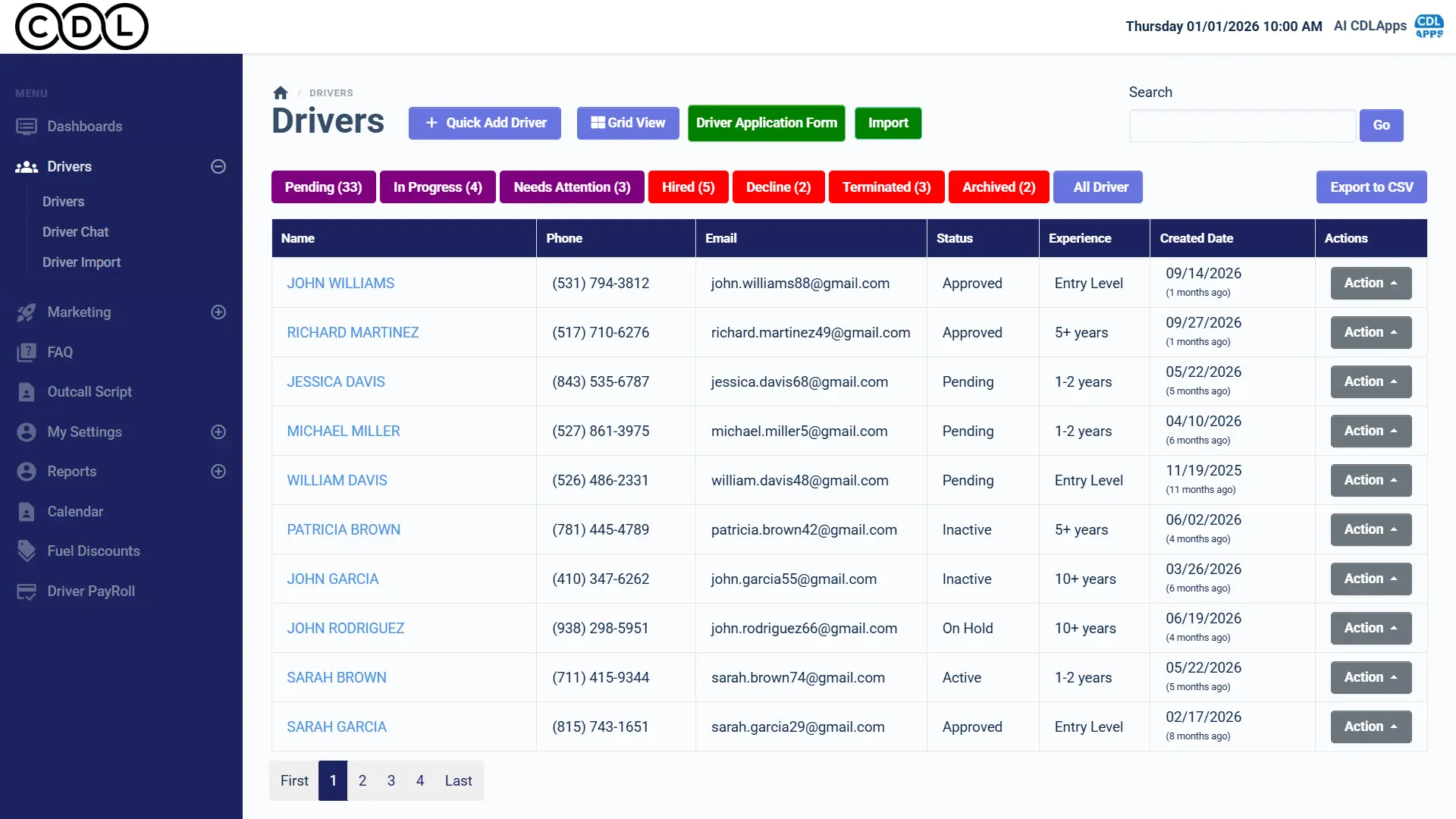
CDLApps is a Las Vegas-based driver recruiting and management platform for trucking fleets, founded by Daryn Duff and running for 5+ years. Small, mid-size, and growing carriers use it to recruit CDL drivers, manage driver qualification (DQ) files, and keep compliance documents current, with several companies and multiple recruiters per company on one platform.
Before the platform, hiring a single driver meant a stack of manual work. Recruiters typed applications into profiles, chased missing documents by phone and email, and tracked medical cards, MVRs, and drug tests by hand, hoping nothing expired unnoticed. Replies to applicants were slow, so drivers who started an application often never finished it. Checks such as employment verification, PSP, MVR, and the FMCSA Clearinghouse each lived in a different system, and nobody had a clear view of which recruiting channels were actually producing hires.
Background
Project Background
Daryn wanted to automate the entire driver hiring pipeline and give fleets one place to recruit, message, and manage documents. The brief:
- Digital Driver Applications
- Replace paper and manual entry with mobile-friendly applications.
- Automated Compliance Tracking
- Track DQ files and flag missing or expiring documents automatically.
- Faster Driver Communication
- Reply and follow up quickly so applicants don’t drop off.
- One Platform for Every Fleet
- Recruiting, messaging, documents, and analytics for multiple companies.
Right now our recruiters are drowning in paperwork. Applications come in on email, docs get lost, and we’re manually chasing drivers for med cards and MVRs. Half of them drop off because we reply too slow, and we have no idea which documents are expiring until it’s too late. It’s messy, and it’s costing us drivers.

Discovery
Research & Ideation
Recruiters were not short of applicants. They were losing them, and their own hours, to the steps between an application and a hire.
Capture Data Once
Whatever a driver enters or uploads builds the profile and the DQ file automatically, so nobody retypes it.
Let Triggers Do the Chasing
Follow-ups, reminders, and expiry alerts fire on their own, so no driver or document falls through the cracks.
Build for Many Fleets
Multiple companies, recruiters, brands, and subscriptions run on one platform from day one.
Design
Designing an Automated Driver Hiring Pipeline
Every applicant moves through the same five steps, and the platform does the paperwork at each one.
- Apply on Any DeviceBranded web portal or iOS and Android app
- Profile Built AutomaticallyLocation preference, availability, compliance data
- Documents and DQ FileUploads checked against required items
- Verification and ChecksDocuSign EV, Clearinghouse, PSP, MVR
- Hired and MonitoredExpiry alerts for med cards, MVRs, drug tests
SMS and email follow-ups run alongside every step, so an applicant who stops halfway gets a reminder instead of being forgotten.
Challenges
Project Challenges
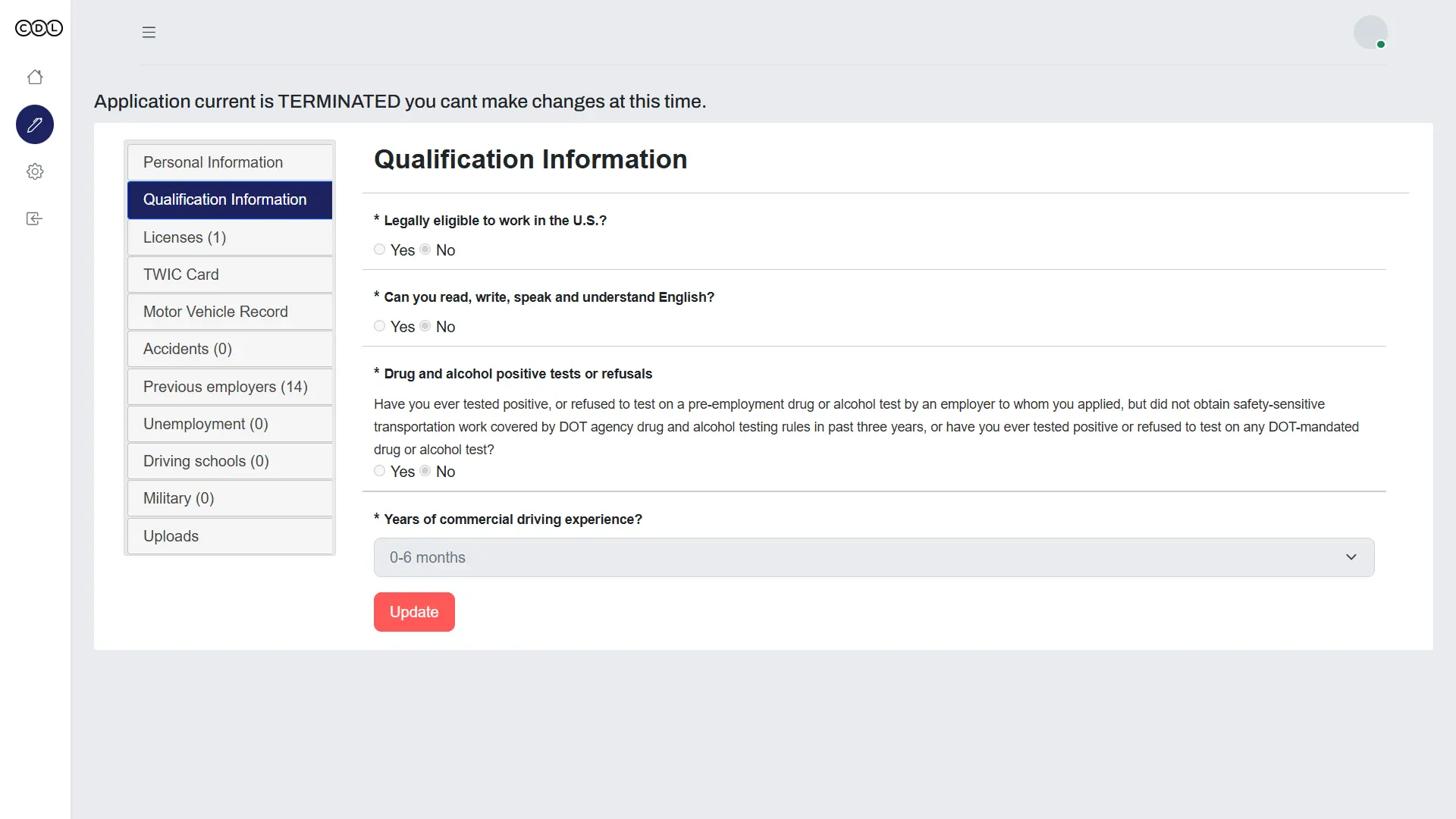
Manual Data Entry
Driver documents, profiles, and compliance files were created by hand.
Slow Replies, Lost Applicants
Communication gaps with prospective drivers caused them to drop off mid-application.
No Recruiting Analytics
Without central reporting, fleets could not see which sources and recruiters were performing.
Untracked DOT Document Expiry
Missing or expiring regulatory documents were not flagged automatically.
Disconnected Screening Services
DocuSign, the FMCSA Clearinghouse, PSP, and MVR were difficult to connect into one workflow.
Approach
Our Solutions
We built one recruiting automation platform that covers the full path from first application to a hired driver with a complete DQ file.
Mobile-Friendly Driver Applications
A branded, responsive job application portal plus iOS and Android apps, with document upload and auto-generated driver profiles.
Automated Hiring and Compliance Workflow
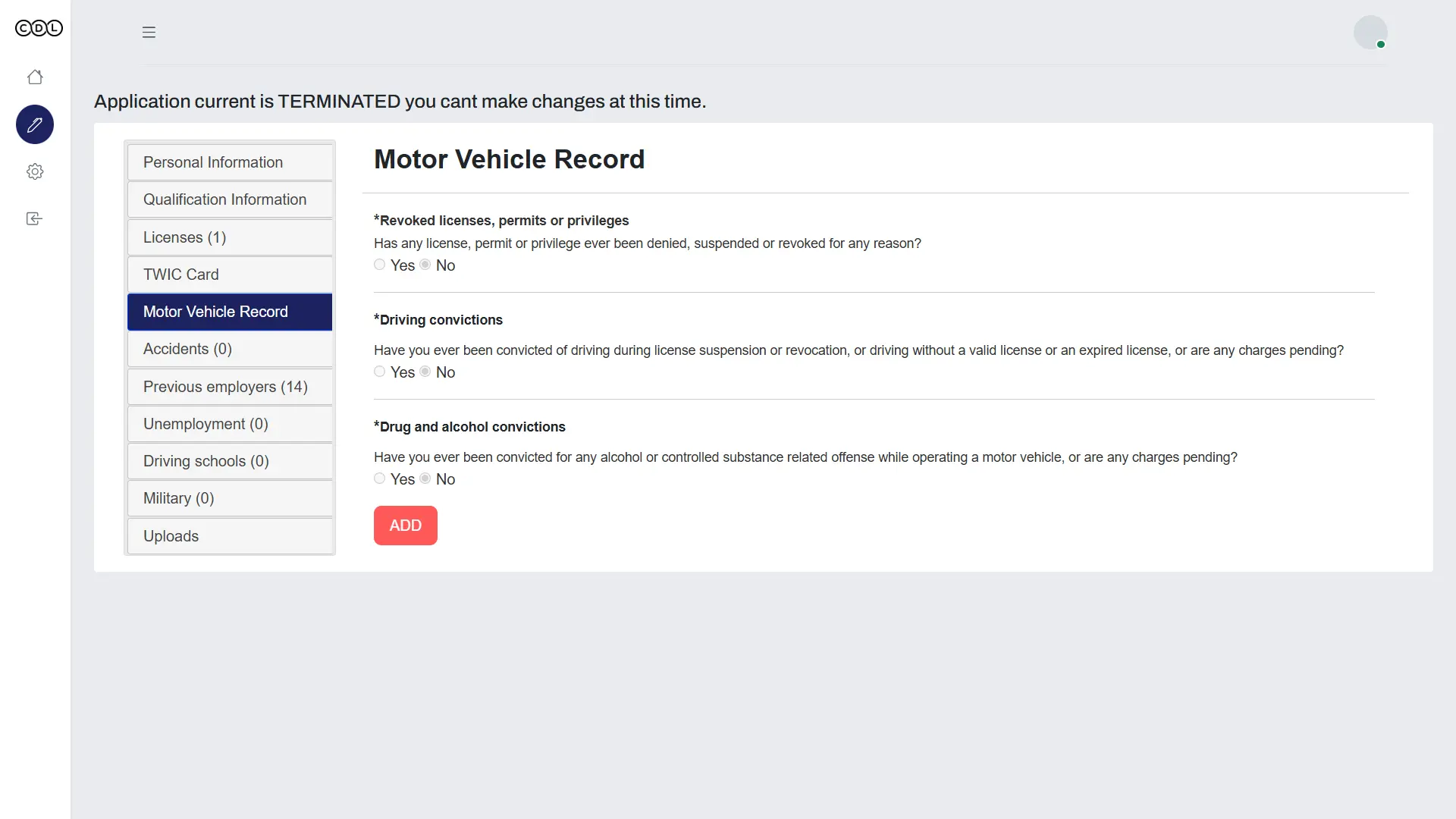
Automatic profile creation, DQ file checklists built around FMCSA Part 391, trigger-based messaging, and alerts for expiring documents.
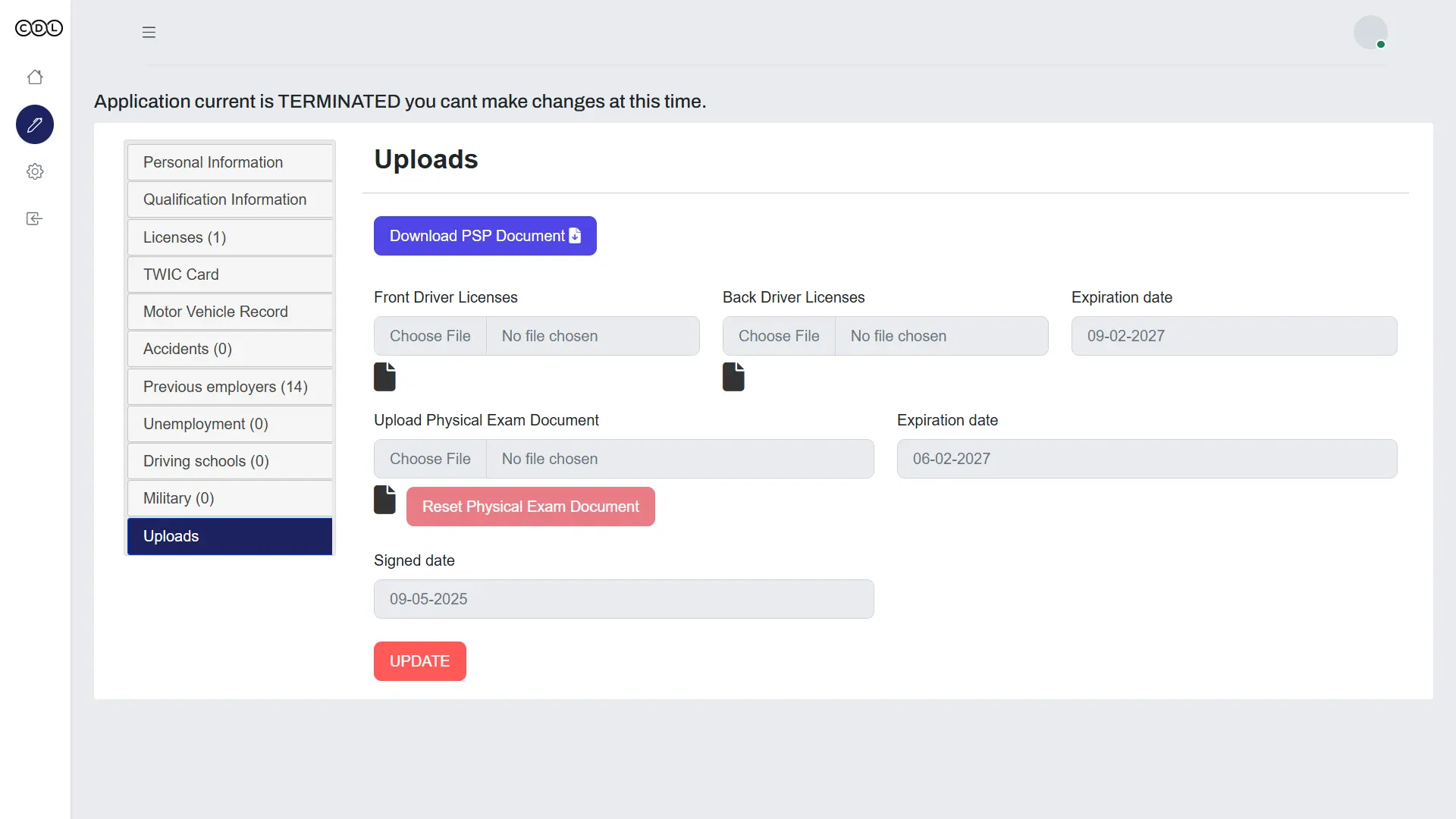
Employment Verification With DocuSign
Automated EV forms, with signatures, documents, and responses linked to the driver’s profile.
SMS and Email Engagement
Personalized templates and automatic follow-ups for incomplete applications.
Recruiting Analytics and Reports
Driver sourcing analytics, retention monitoring, and DQ file compliance dashboards.
Screening Integrations
DocuSign, the FMCSA Clearinghouse, PSP, and MVR, plus an API for connecting external systems.
Admin Panel for Fleets
Recruiter dashboard, driver and document management, roles and permissions, branding settings, and subscription billing.
Custom Features
Custom Functionalities
The engineering decisions behind a recruiting platform that runs many fleets and many integrations at once.
Plug-and-Play API Layer
Every external service connects through one standardized layer, so adding a new integration does not touch the core.
DQ File Checklists and Expiry Alerts
Required documents are checked per driver, and med cards, MVRs, and drug tests trigger alerts before they expire.
One Backend for Web and Mobile
The web portal and React Native apps share one backend, so applicant data stays in sync everywhere.
Multi-Company Accounts
Each fleet gets its own recruiters, roles, branding, and subscription on the same platform.
Trigger-Based Messaging
Application events send the right SMS or email automatically, without a recruiter starting it.
Auto Follow-Ups for Incomplete Applications
Drivers who stop partway get timed reminders to finish, recovering applications that used to be lost.
Support
On Going Support
The platform was delivered over a 6-month development cycle and built to keep growing with CDLApps’ customers.
90-Day Post-Launch Warranty
Issues found after go-live are fixed by the team that built the platform.
Ready for New Integrations
The standardized API layer lets CDLApps add screening or HR services without reworking the platform.
Fix Once, Ship Everywhere
A shared backend means updates reach the web portal and both mobile apps together.
Impact
Project Outcome
- Less recruiter manual work from automated profiles, uploads, and DQ files
- 30–40%
- More completed applications after mobile workflows and follow-ups
- 15–20%
- Fewer compliance errors from reminders and DQ file tracking
- 20–35%
- Higher recruiter efficiency from central messaging, EV automation, and analytics
- 25–35%
Results reported by CDLApps.
Before: manual recruiting
- Applications and profiles typed in by hand
- Applicants dropping off after slow replies
- Document expiry tracked manually
- Screening checks spread across separate systems
After: automated hiring pipeline
- Profiles and DQ files built from the driver’s own application
- Automatic SMS and email follow-ups for unfinished applications
- Alerts before med cards, MVRs, and drug tests expire
- DocuSign, Clearinghouse, PSP, and MVR in one workflow
Recruiters now spend 30–40% less time on manual work, because drivers build their own profiles and DQ files as they apply. Automatic follow-ups recover applicants who used to drop off, lifting completed applications by 15–20%.
Expiry alerts and DQ file tracking cut compliance errors by 20–35%, and fleets see recruiting performance in one dashboard instead of piecing it together.
How iCommuneTech Works
Understand first. Build exactly what’s needed. Stay for the long run.
We deliver the exact solution to a business problem with the least investment and time, then stay to keep it working.
We understand before we quote
We start by understanding how the work actually gets done, before we propose anything.
The exact solution, not the biggest one
We recommend the smallest solution that fully solves the problem, and use what already works.
A team that stays
Every launch includes a 90-day warranty, then an optional long-term delivery plan with the same team.
Problem Slowing Business Growth? Let’s Find the Exact Fix.
Tell us how the work gets done today. We’ll map it before we propose anything.
Connect on WhatsApp+91 97256 00878
Share your requirementsenquiry@icommunetech.com